



-202610121017596081271.jpg)



Download
iLearn application
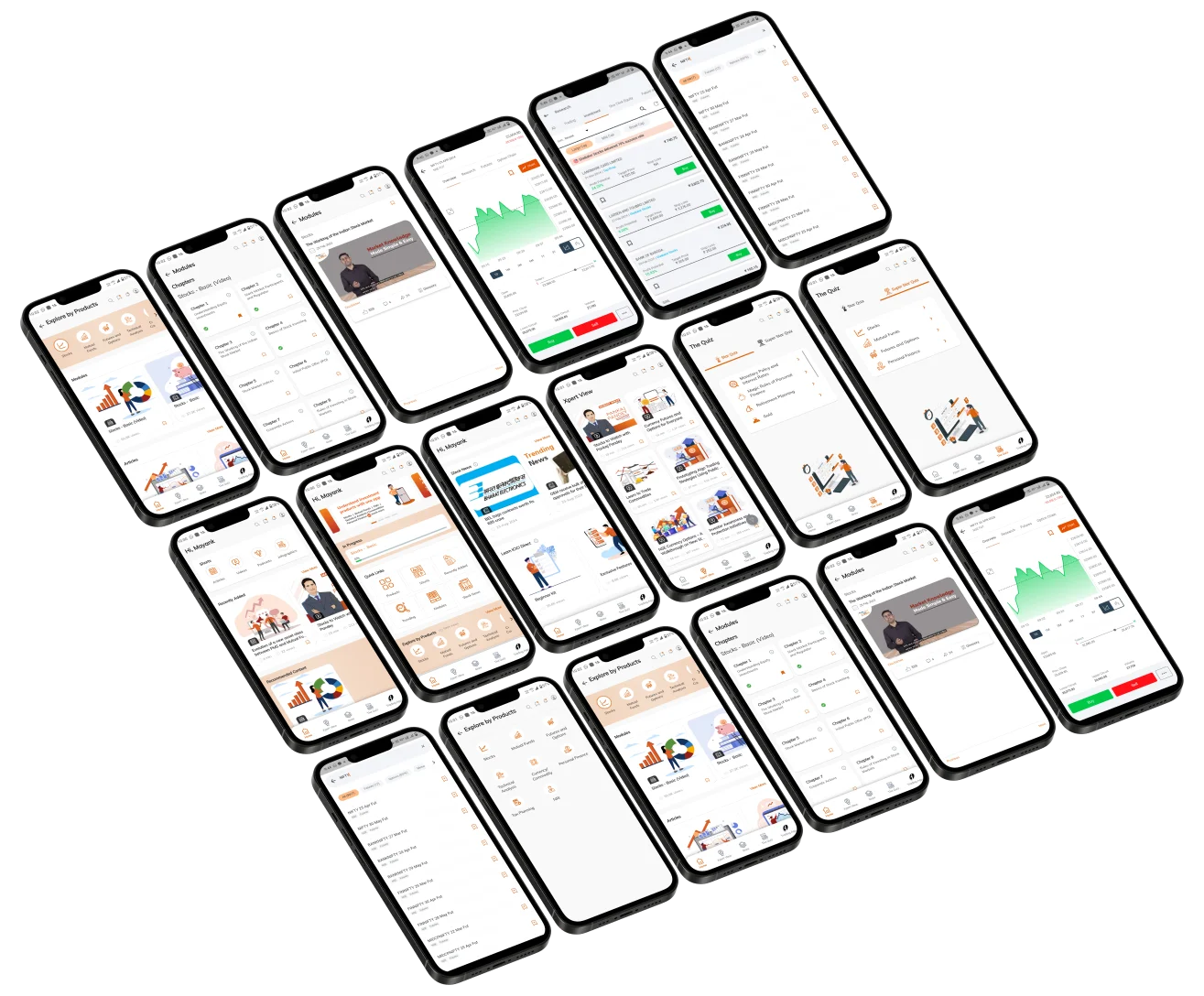
Elevate Your Financial Knowledge with the
ICICI Direct iLearn App





Today it is possible to give an IPO mandate by just using your UPI (Unified Payment Interface) id. The UPI id is a simple (@) separated id and is unique to each account with the suffix of the bank. For IPO applications you must know how to find UPI id in Google Pay and also how to find the same on PhonePe. After all, they are the two most popular UPI interfaces.
Have you wondered how to find google pay UPI id and how to invest in an IPO by giving the mandate online. In this segment, you will be able to find out how to get GPAY UPI id as well as how to get the PhonePe id. Let us look at in greater detail at how to get UPI id from google pay and how to use the same to give an IPO mandate.
In case you want to give the UPI mandate using Google Pay or PhonePe, then there are some basic requirements. Let us look at the same.
For Google Pay IPO mandate, you need:
For PhonePe IPO mandate, you need:
Remember, that both Google Pay and PhonePe do not have their own banking interfaces and they can only be used to plug into a bank account using the UPI.
Normally, there is a slight delay in receiving the mandate approval request on Google Pay. This can take up to 24 hours so you have to remain patient. You must remember that your IPO application is valid only if you approve this Google Pay mandate you receive on the app; otherwise the application is liable to be rejected. To find the IPO mandate, here are steps.
1) As the first step please ensure that your UPI id in Google Pay is properly mapped to the said bank account. If that is not the case, or if the requisite KYC is not completed, your application may be rejected. Hence, that is the first check to be done.
2) Once that is verified, you can open Google Pay and go to profile→ settings→ One-time mandate. Once you follow this path string in your Google Pay app, you can find the profile option at the top right corner of the screen.
3) As the next step, you go to the top bar in the right hand side of your Google Pay account, where you will find the request under the ‘pending’ section. As stated earlier, this request has to go through the broker, the exchange and the NPCI so it can take up to 24 hours. Make it a point to check back after 24 hours.
4) Now comes the most important stage. You must Click on “Authorize” button to accept the mandate request and enter your UPI PIN. This is absolute safe platform so you don’t have to worry about security issue. You can check the IPO application number and details on your registered email ID to verify that you are giving the right mandate. The screen will show you the amount that would be held from your bank account against the number of shares applied for. Once you are allotted the shares post the finalization of the basis of allotment, the mandate will be executed and funds will be withdrawn from your account. The application and allotment status can be checked and verified on broker IPO dashboard itself.
GIVING IPO MANDATE ON PHONEPE
The process flow for an IPO mandate on PhonePe follows, more or less, the same route as the Google Pay string, but for some minor changes. Here is the process flow.


Understand contango in commodity trading, how futures prices differ from spot prices, and how financing, storage and insurance costs influence commodity pricing.
 193 views
 1 minutes
 19 Oct 2026
Copper is a widely used base metal known for its electrical and thermal conductivity, strength, ductility and corrosion resistance. It is used across electrical wiring, construction, machinery, power infrastructure and several industrial applications.
411 views
2 minutes
09 Oct 2026
Natural Gas is a widely traded energy commodity used for electricity generation, industrial activity, heating and other applications. Its prices can react sharply to weather, supply and demand, inventories, global energy markets and geopolitical developments.
680 views
1 minutes
30 Sep 2026

Elevate Your Financial Knowledge with the
ICICI Direct iLearn App
Elevate Your Financial Knowledge with the
ICICI Direct iLearn App
