






Download
iLearn application
Elevate Your Financial Knowledge with the
ICICI Direct iLearn App





In commodity trading, speed often provides a decisive edge. After all, when prices shift within seconds, how fast you enter and exit positions can directly shape your returns.
However, when taking high-conviction positions, large orders often hit a “wall” – the Exchange’s maximum limit for a single order or value check defined by ICICI Securities.
This results in rejected trades, missed price signals, and the tedious task of manually splitting orders under time pressure.
ICICI Direct’s Auto Order Slicing feature eliminates this friction, enabling instant, seamless execution of large trades without manual intervention.
Auto Order Slicing is an intelligent feature that automatically detects when your order exceeds the exchange’s maximum quantity or the value limits set by ICICI Securities.
Instead of rejecting or restricting the trade, it breaks the large order into smaller, compliant “slices” and executes them in sequence—without any manual effort on your part.
For example, if the per-order limit for Crude Oil Mini (CRUDMI) is 764 lots and you place an order for 1000 lots, the system will automatically split it into:
You don’t need to manually set up Auto Order Slicing. It is enabled by default and automatically activates when your order quantity exceeds the single-order limit. Here’s how you can see it in action:
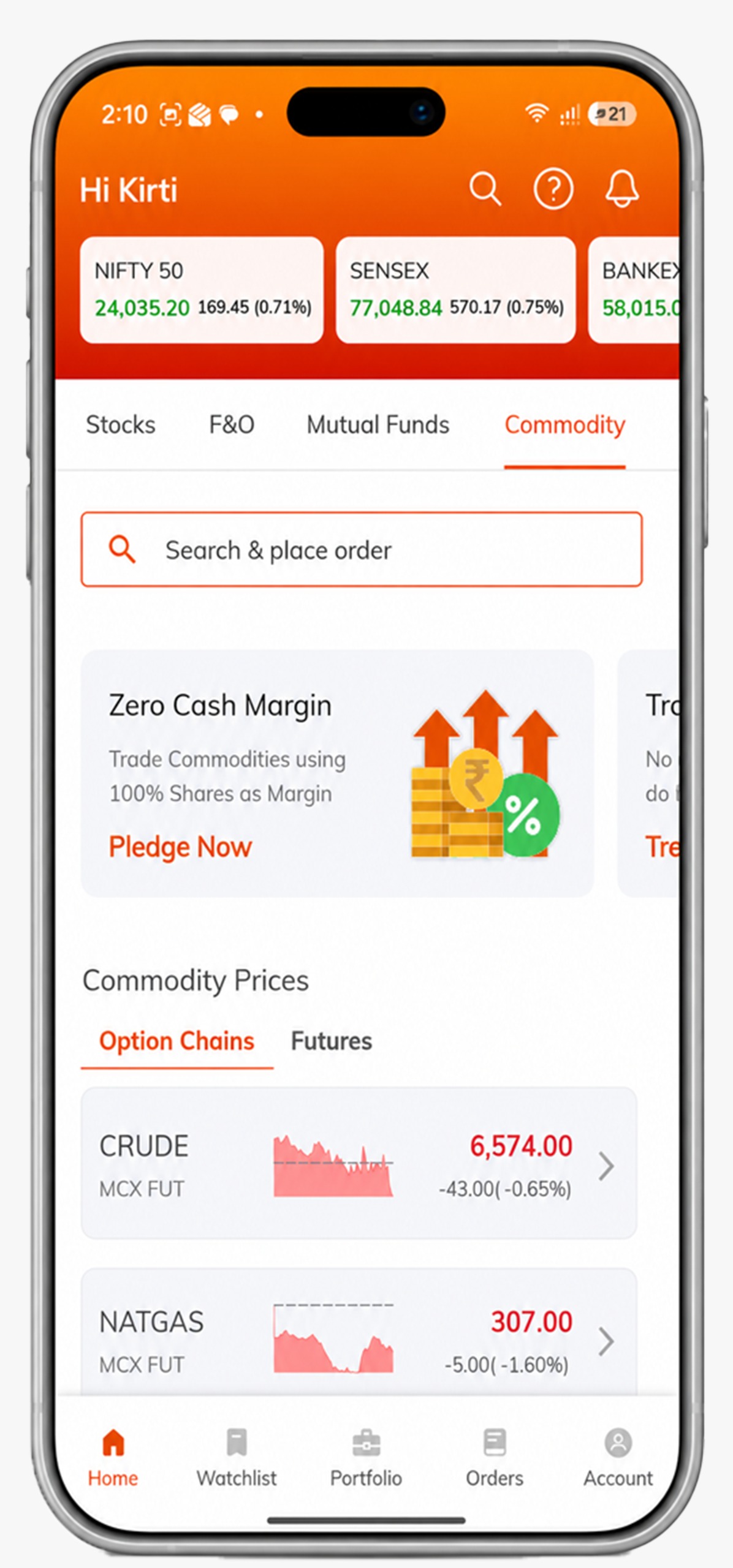
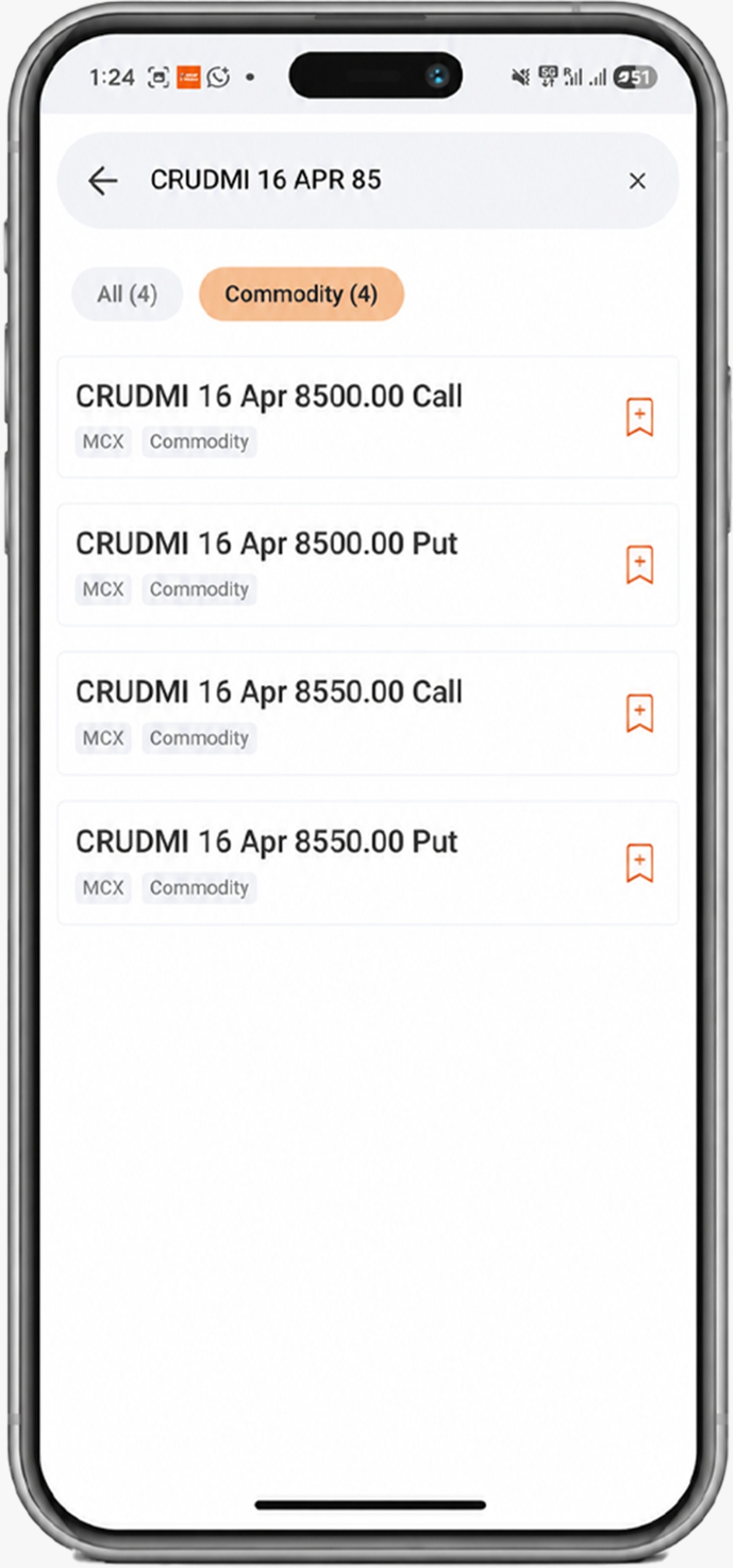
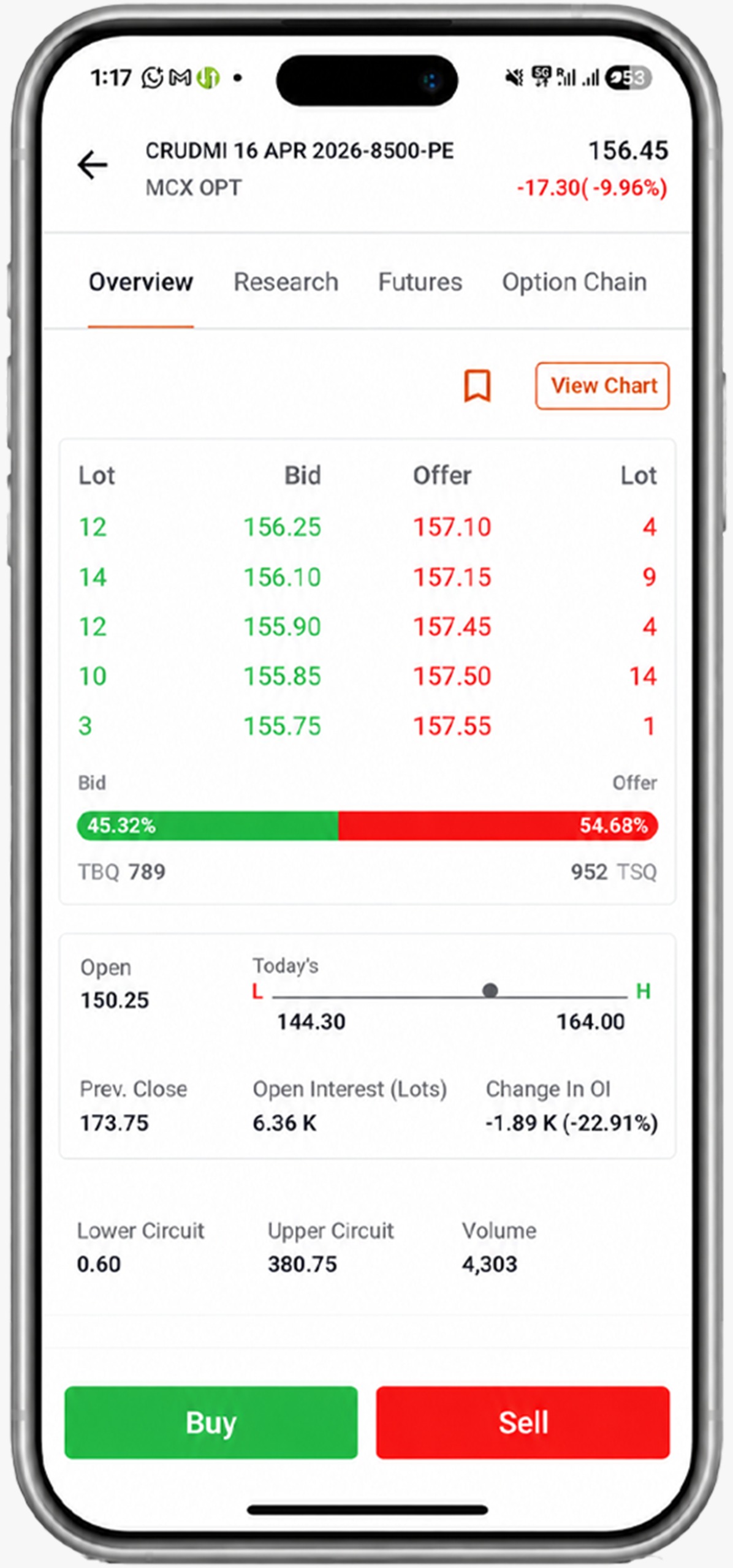
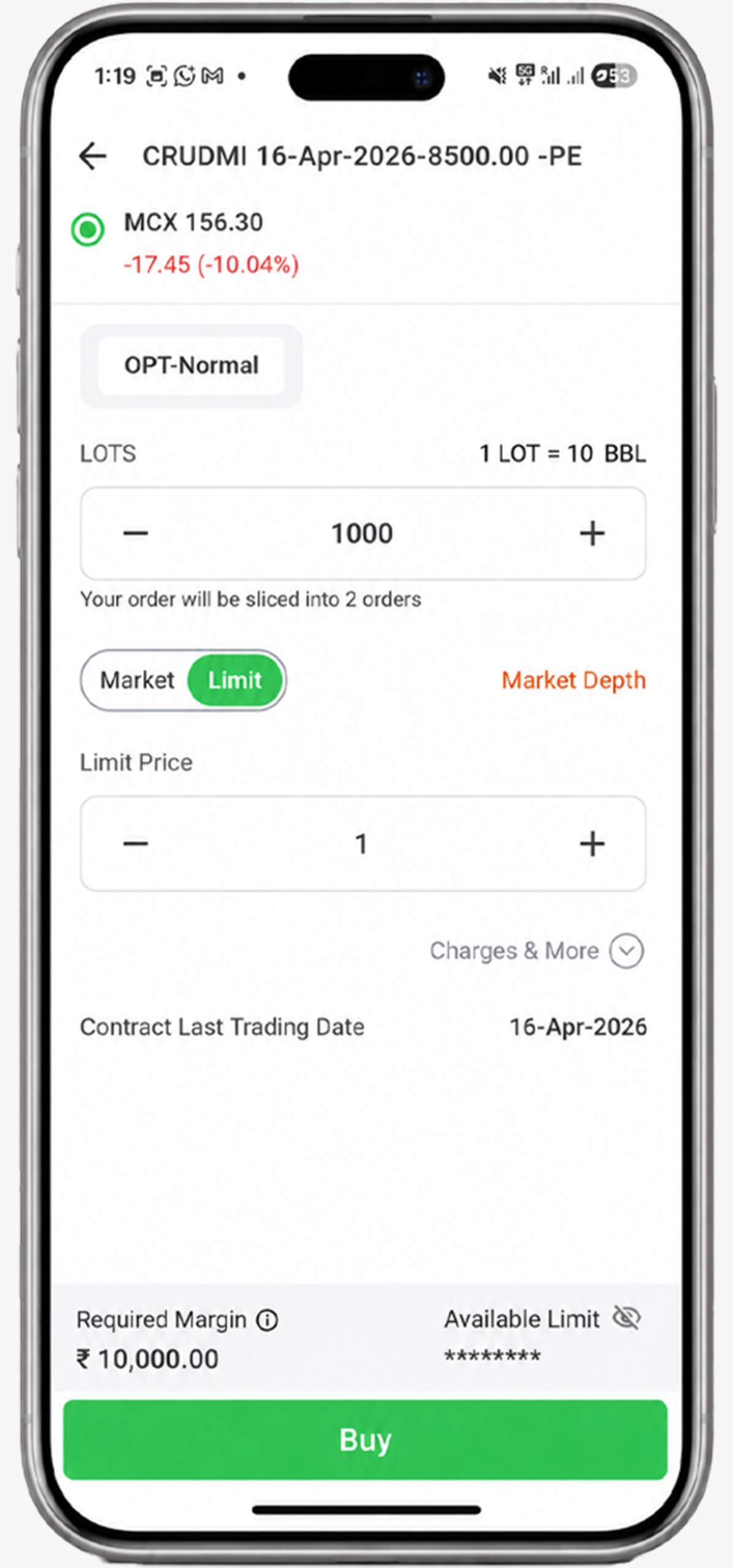
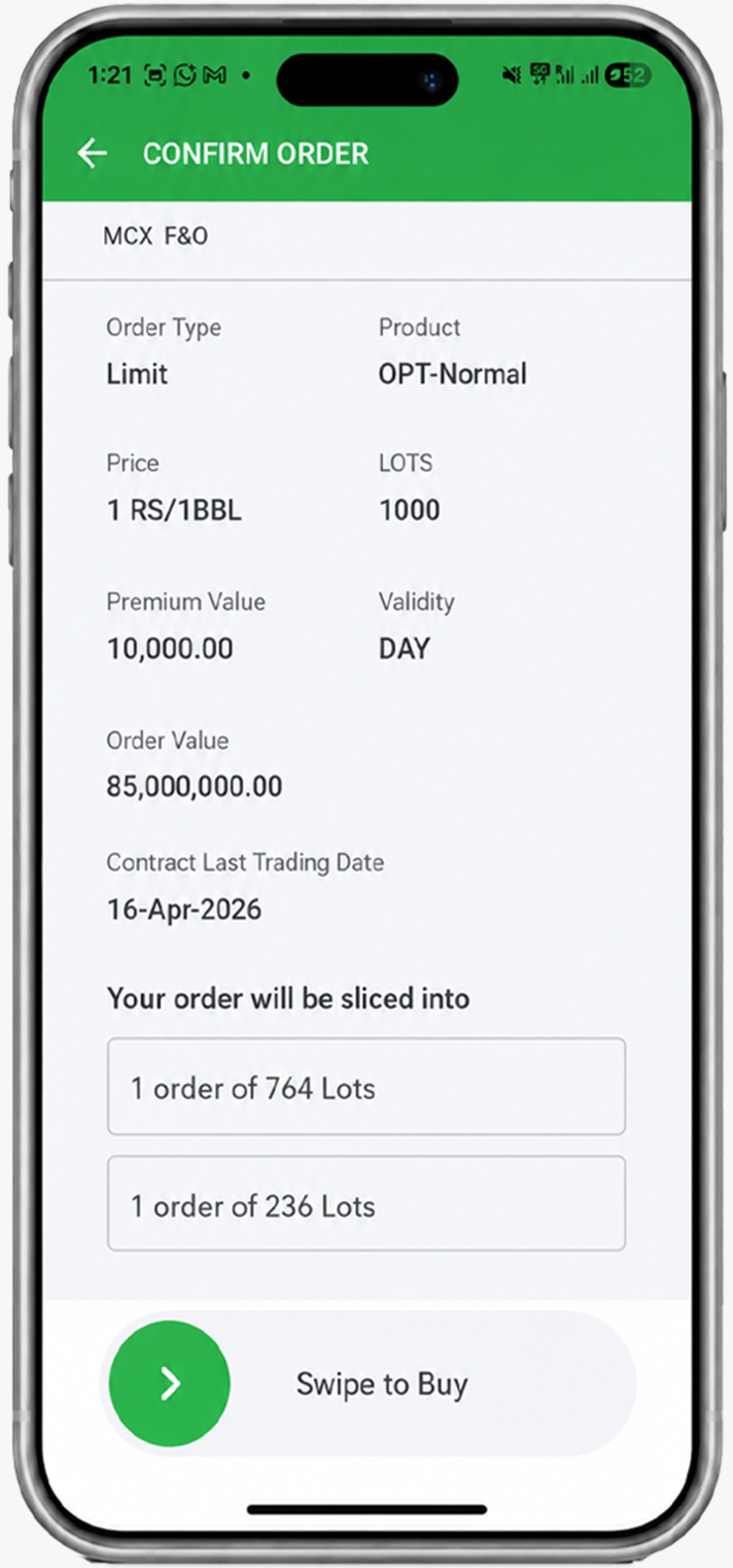
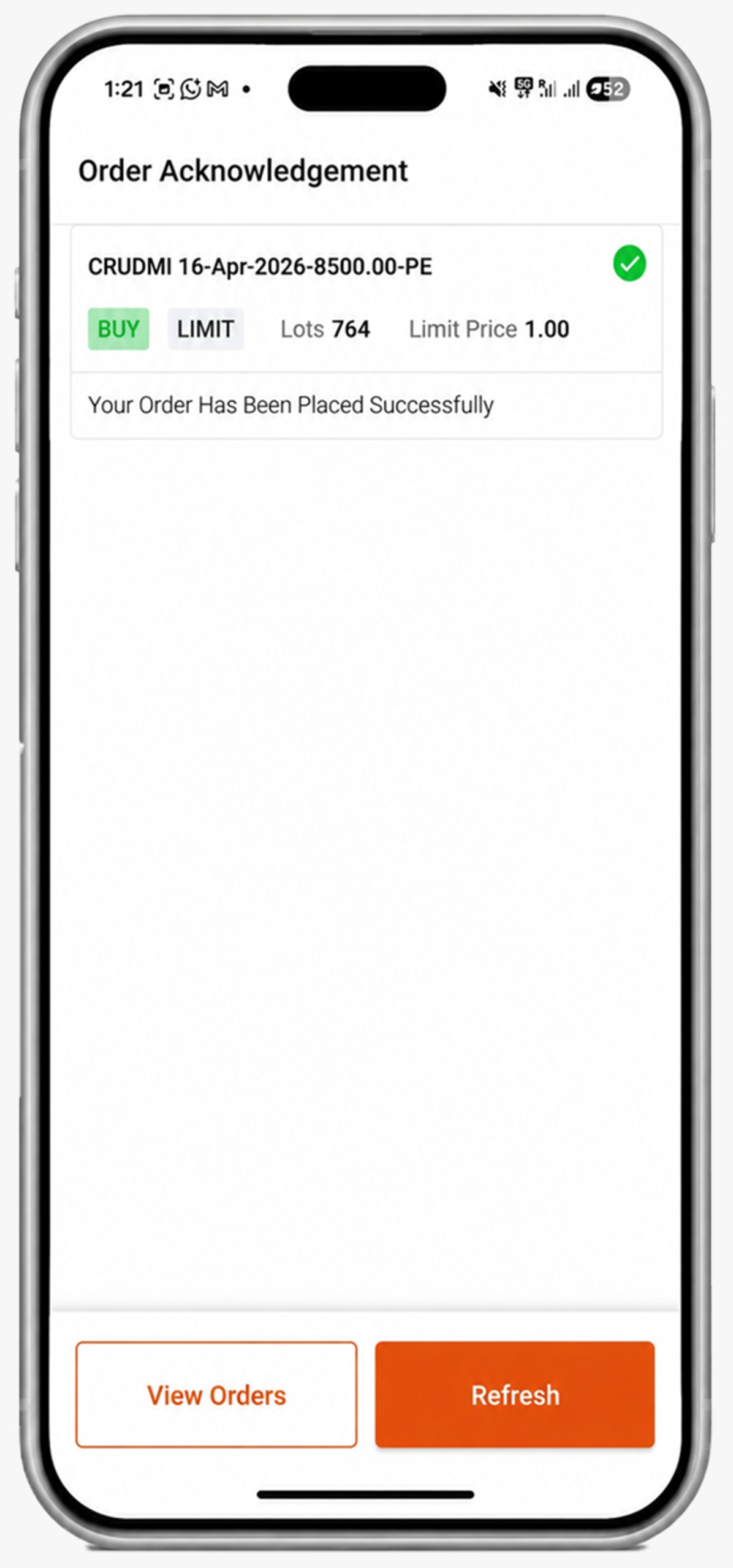
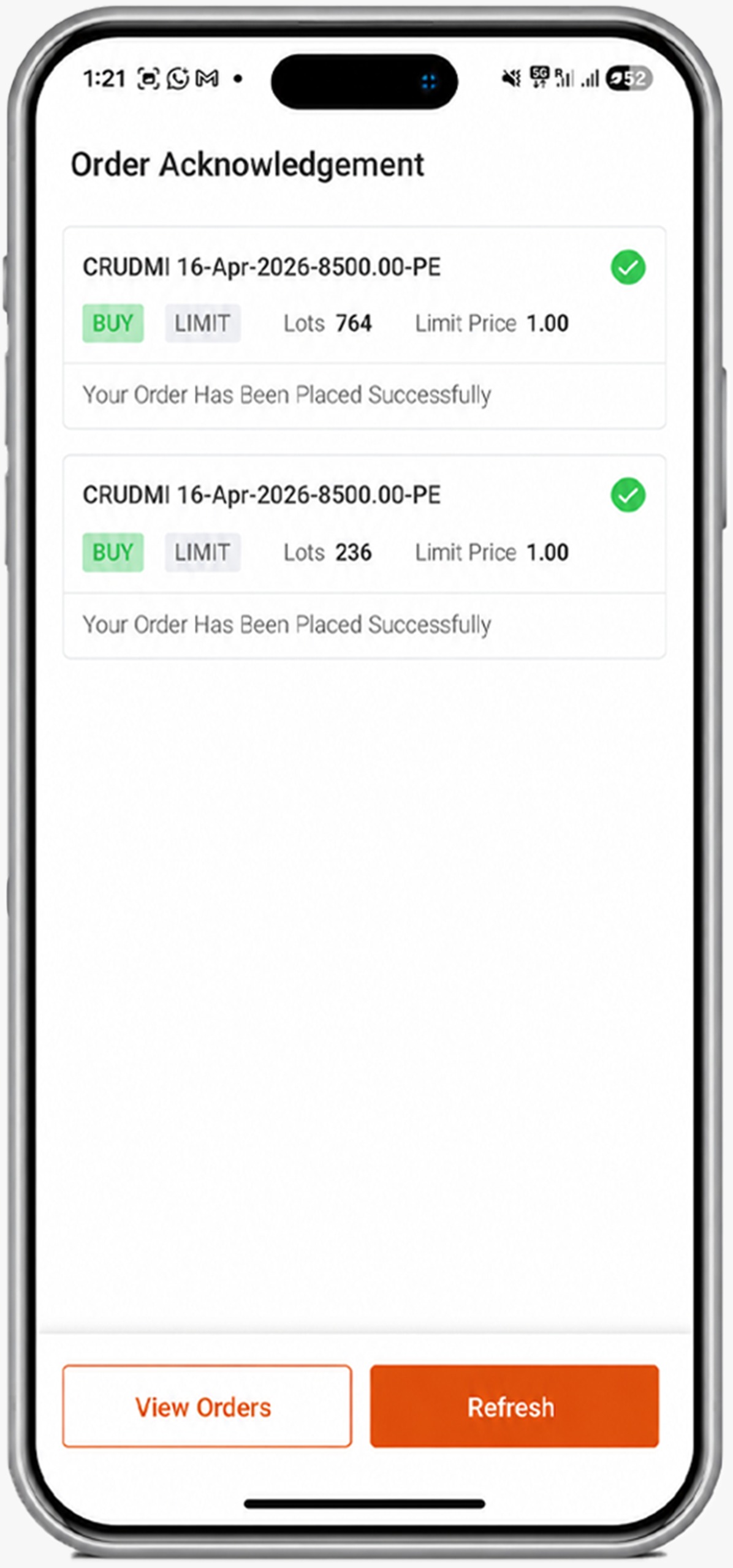
There is no additional cost for using the slicing feature. However, each slice is treated as a separate order by the Exchange.
Therefore, standard brokerage of ₹20/order applies to each executed slice regardless of your plan.
For today’s commodity trader, efficiency is critical. Large Order Auto Slicing removes the friction of manual execution, helping you act on market signals quickly while ensuring smooth, compliant order placement.


Explore the meaning of a mainboard IPO, SEBI's eligibility routes, NSE and BSE listing rules, key benefits, and the checks investors should make before applying.
 566 views
 4 minutes
 13 Aug 2026
Commodity prices don't move in isolation. Along with demand-supply dynamics and geopolitical events, one global indicator that often influences commodity prices is the US Dollar Index (DXY).
968 views
3 minutes
11 Aug 2026
Gold can react to inflation data, while crude oil may jump after an inventory report or geopolitical disruption.
961 views
4 minutes
21 Jul 2026

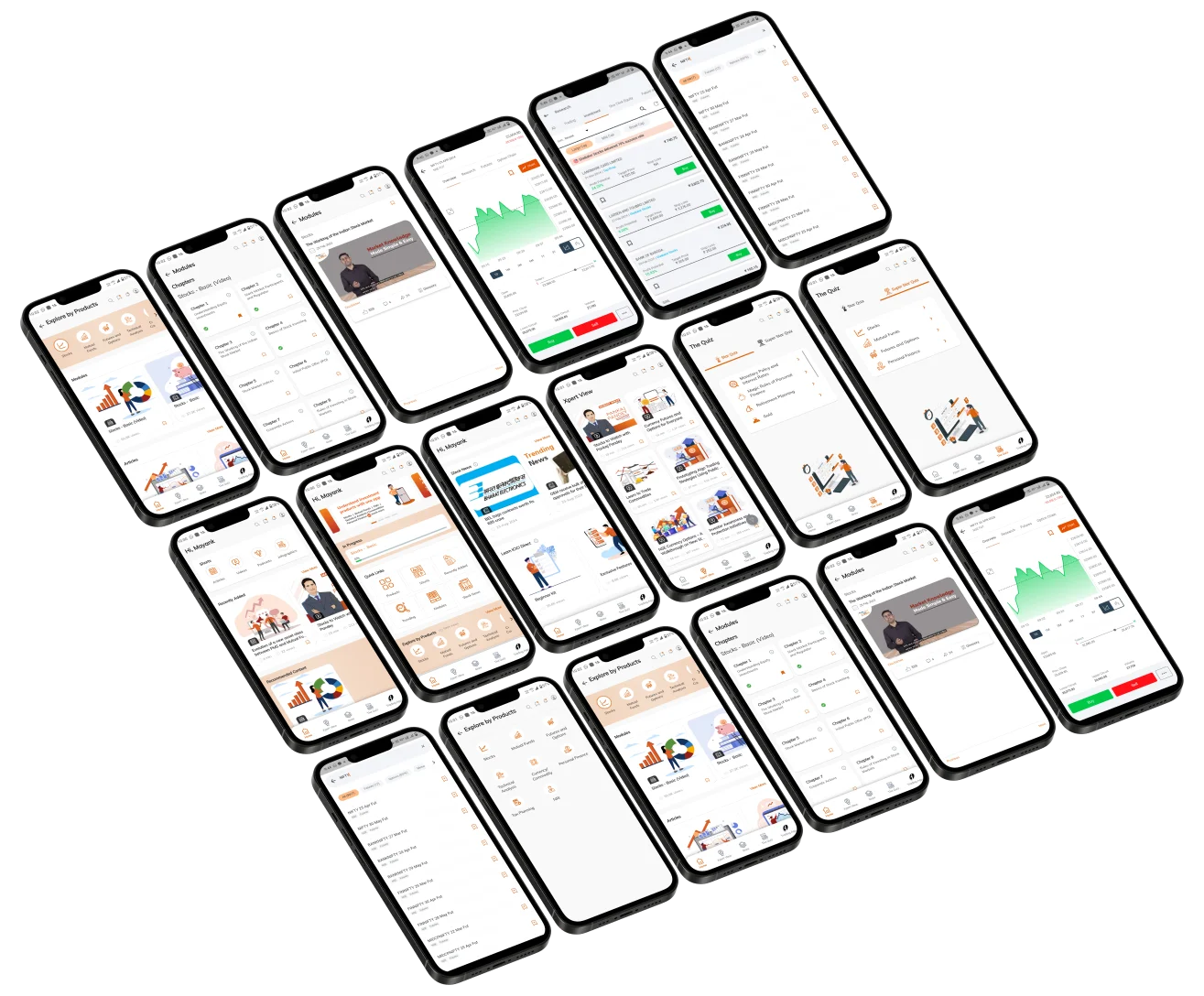
Elevate Your Financial Knowledge with the
ICICI Direct iLearn App
Elevate Your Financial Knowledge with the
ICICI Direct iLearn App
