







Download
iLearn application
Elevate Your Financial Knowledge with the
ICICI Direct iLearn App





A demat account stores your shares and other eligible securities in electronic form. A trading account, on the other hand, is used to place buy and sell orders in the stock market. For listed equity investments, both accounts usually work together: the trading account is used to execute buy or sell orders, while the demat account is used to hold the securities after purchase.
However, not every investment necessarily requires a trading account. For example, some instruments, such as mutual funds, may be purchased or held without using a trading account, depending on the platform and mode of investment.
Many investors open a demat account but are not fully sure what to do after activation. You may want to know how to use a demat account, how to buy shares, how to sell them, where to check holdings and how to read account statements. This article explains these basics in simple terms for Indian investors.
A demat account can hold different types of securities in electronic form. These may include shares, ETFs, bonds, debentures, government securities and mutual fund units, where applicable.
|
Security Type |
How it appears in a Demat Account |
|
Equity shares |
Credited after purchase and settlement |
|
ETFs |
Held like listed securities |
|
Bonds and debentures |
Stored in electronic form |
|
Government securities |
Reflected if held in demat form |
|
Mutual fund units |
May appear if held in demat mode |
A demat account works with your trading account and linked bank account. The trading account helps you place orders, while the demat account stores the securities after settlement.
When you buy shares, the process starts through your trading platform. You place a buy order, the exchange matches it, and the required funds are debited from your bank account.
Once the trade is settled, the shares are credited to your demat account. India follows a T+1 settlement cycle for the cash market, which means settlement generally happens one business day after the trade date.
When you sell shares, the flow works in the opposite way. You choose the shares from your holdings, place a sell order through your trading platform, authorise the debit of shares from your demat account.
Once the trade is executed, the shares are transferred from your demat account as part of the settlement process. As while buying, India follows a T+1 settlement cycle for the cash market, which means settlement generally happens one business day after the trade date. After settlement, the sale proceeds are credited to your trading account or linked bank account as per your broker’s process.
After your account is active, you should get comfortable with logging in, checking holdings, reviewing linked details, placing orders, downloading statements, tracking alerts, etc.
Most investors can access their accounts through a broker’s website or mobile app. Use your user ID, password, OTP, biometric login or other approved security method. Avoid logging in through public Wi-Fi or shared devices.
Review your mobile number, email ID, PAN, bank account, nominee details and communication preferences.
Your dashboard gives a quick view of funds, orders, holdings and reports.
|
Dashboard Term |
Meaning |
|
Holdings |
Securities available in your demat account |
|
Positions |
Trades taken during the day or open trades |
|
Available funds |
Money available for placing orders |
|
Order book |
Orders placed, pending, executed or rejected |
|
Trade book |
Completed buy or sell transactions |
|
Statements |
Transaction and holding records |
Buying and selling shares is done through an online trading or demat platform. When you buy delivery shares, the securities are credited to your demat account after settlement. When you sell delivery shares, the securities are debited from your demat account after the required authorisation.
|
Step |
For Buying Shares |
For Selling Shares |
|
1. Log in to the platform |
Log in using your user ID, password, OTP, biometric login or other secure authentication method. |
Log in using the same secure authentication process. |
|
2. Go to the trading or holdings section |
Search for the stock you want to buy from the trading, order placement or watchlist section. |
Go to the portfolio or holdings section and select the stock you want to sell. |
|
3. Check funds or share availability |
Make sure you have sufficient funds or margin available to place the buy order. |
Check whether the shares are free for sale and not pledged, locked in, frozen or blocked for any reason. |
|
4. Enter order details |
Select Buy, enter the quantity, order type and price. |
Select Sell, enter the quantity, order type and price. |
|
5. Review order details |
Review the stock, quantity, price, order value and applicable charges before confirming. |
Review the stock, available quantity, selling price and applicable charges before confirming. |
|
6. Authorise the transaction |
For delivery purchases, the amount is blocked or debited as per the platform process. Shares are credited to the demat account after settlement. |
For delivery sales, you may need to authorise the debit of shares from your demat account. This may be done through methods such as PoA/DDPI, DIS, electronic depository platforms or eDIS/TPIN-based authorisation, where applicable. |
|
7. Place the order |
Confirm and place the buy order. |
Confirm and place the sell order after completing authorisation, if required. |
|
8. Track order status |
Track whether the buy order is open, executed, partially executed, rejected or cancelled. |
Track whether the sell order is open, executed, partially executed, rejected or cancelled. |
|
9. Check settlement and account update |
After settlement, the purchased shares are credited to your demat account. |
After settlement, the shares are debited from your demat account and the sale proceeds are credited as per the applicable settlement and platform process. |
|
10. Download records or statements |
You can check the contract note, ledger, holdings statement or transaction statement. |
You can check the contract note, fund credit, holdings statement and transaction statement. |
You can check your demat account balance through your broker platform, depository portal, CAS or DigiLocker, where the facility is available.
You can check your demat account balance by logging in to your online demat or trading platform and visiting the Portfolio section.
Here are the steps to check your demat balance online:
Use your user ID, password, biometric login or OTP.
Select the Portfolio section from the main menu.
This section usually displays your securities and investment holdings.
Review details such as available quantity, pledged quantity, average price and current market value, where available.
Go to the Statements section to view or download reports such as the consolidated portfolio statement, transaction statement or statement of funds/securities, depending on the facility available
Your demat account statement gives important information about your holdings and transactions.
|
Detail |
What to Check |
|
Personal details |
Name, PAN, demat account number and contact details |
|
Holding details |
Stock name, ISIN, quantity, free balance, locked balance and pledged balance |
|
Transaction details |
Buy, sell, transfer, pledge, unpledge and corporate action entries |
|
Corporate actions |
Dividends, bonus shares, split, merger and rights issue entries |
|
Valuation details |
Current value, quantity and portfolio movement |
Sometimes your demat balance may look different from what you expected. This does not always mean there is an error.
Shares bought today may not reflect instantly in holdings. Check the settlement timeline before raising a concern.
Pledged or locked-in shares may appear separately. They may not be freely available for sale until the restriction is removed.
Bonus shares, splits, mergers and rights issues may take time to reflect correctly in the statement.
If you have multiple demat accounts, check whether you are viewing the correct account and date range.
Checking your demat balance is simple once you know where to look. You can use your broker app, depository portal, CAS or DigiLocker, where available. Regular review keeps you aware of your holdings, transactions, account details and portfolio movement. It also helps you notice errors, missing credits or unusual activity early.
You use it to hold shares and other eligible securities in electronic form. Buy and sell orders are placed through the trading account.
No, a demat account stores shares. The buy order is placed through the trading account.
Holdings are securities available in your demat account. Positions are trades taken during the day or open trades.
Yes, you can sell shares available in your holdings after authorising the debit from your demat account.
No, a demat account holds securities, not cash. Money is held in the linked bank or trading account.
A demat account is generally required to receive allotted shares in electronic form.
You can check it through your broker app, CDSL Easi or MyEasi, NSDL CAS, CAS email or DigiLocker, where available.
No, a demat balance means securities held. The trading balance means funds available for trades.
CAS can give a consolidated view of demat holdings and mutual fund folios linked to your PAN.
CAS means Consolidated Account Statement. It shows securities and mutual fund transactions in one combined statement.
Check settlement date, order status, statement date range and broker communication. If the issue remains, contact your broker or DP.
Yes, most broker platforms and depository portals allow statement download.
A demat account does not usually require a minimum securities balance, but charges may depend on your broker or DP.
Stocks generally reflect after settlement, usually on T+1 for equity market trades.
Pledged shares are securities marked as collateral. They may appear separately from free holdings.
Yes, you may use CDSL Easi, NSDL CAS, CAS email or DigiLocker, where applicable.
Shares may be locked in due to IPO rules, regulatory conditions, employee stock plans or other restrictions.


Gold can react to inflation data, while crude oil may jump after an inventory report or geopolitical disruption.
 476 views
 4 minutes
 21 Jul 2026
Understand how crude oil trading works on MCX and also learn about contract sizes, expiry, trading hours, global benchmarks, price drivers and risks before you trade.
683 views
2 minutes
20 Jul 2026
Learn how to calculate the break-even point in commodity trading by factoring in brokerage, taxes, and other charges
1 k views
1 minutes
01 Jul 2026
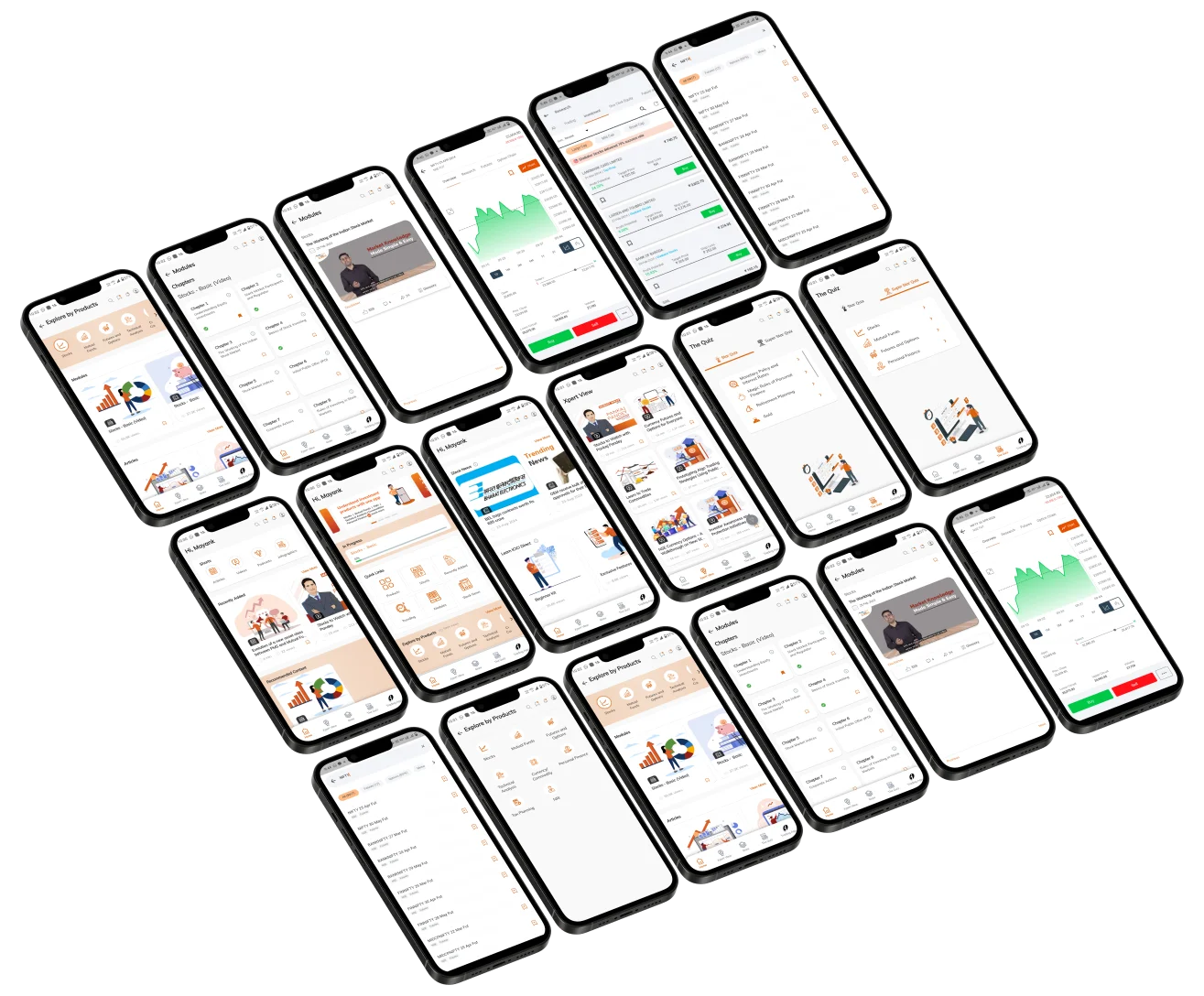
Elevate Your Financial Knowledge with the
ICICI Direct iLearn App
Elevate Your Financial Knowledge with the
ICICI Direct iLearn App
